Make a scene.
A beautifully simple way to write stories for the stage and screen.
Everything you expect. Nothing you don't.
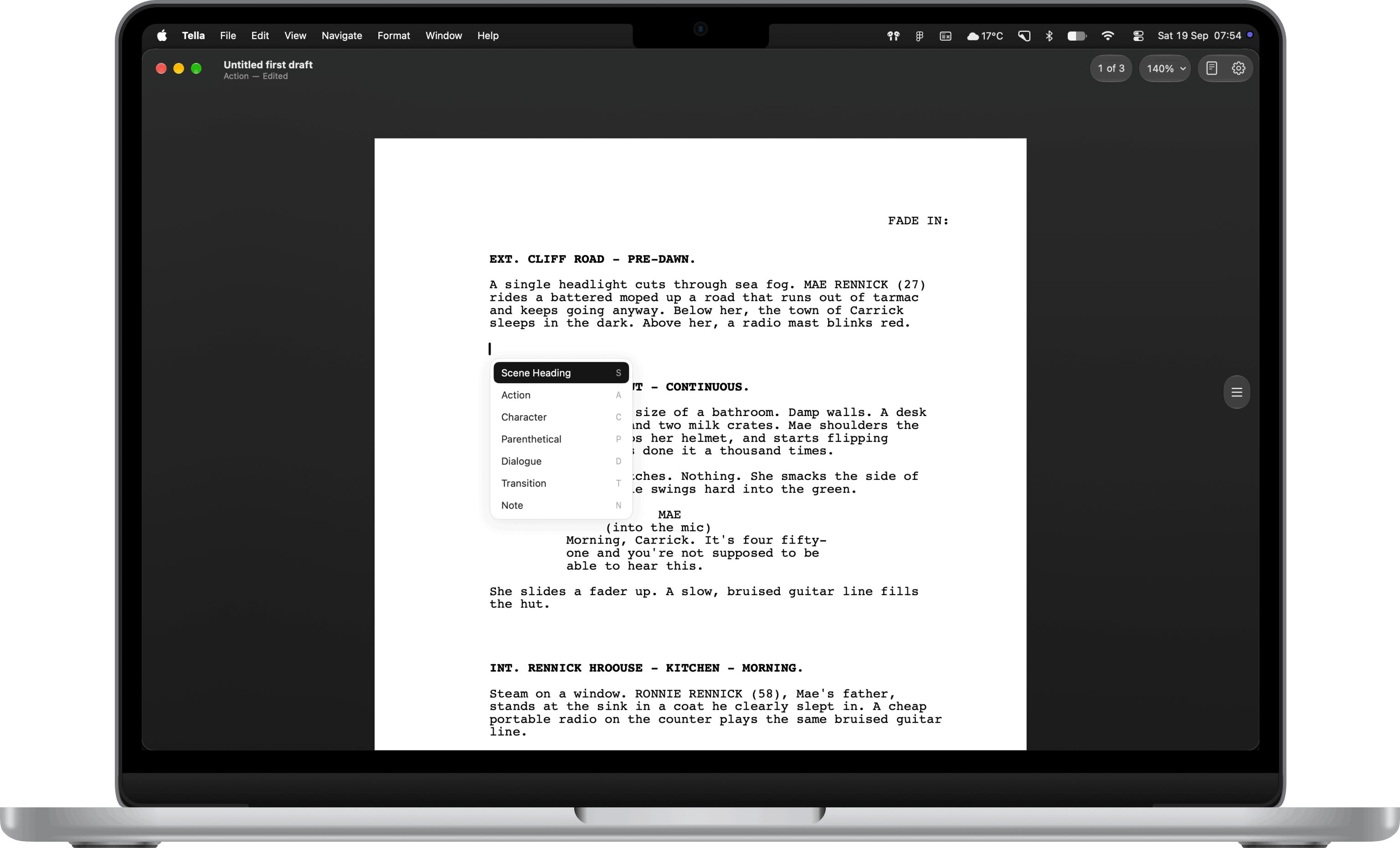
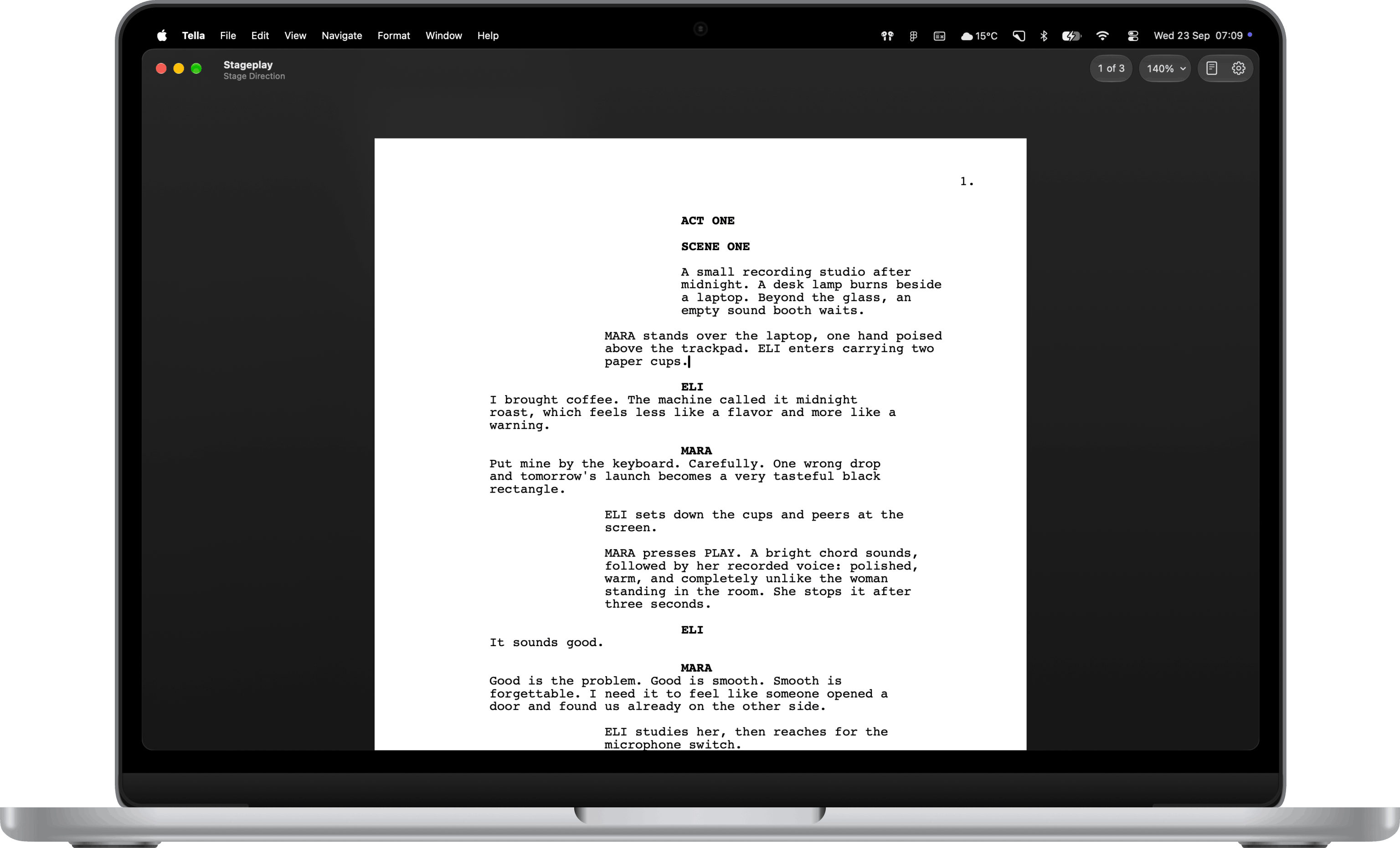
Industry standard formatting. Scene headings, action and dialogue fall into shape as you type. Pages break where they should.
Autocomplete that knows your script. Characters, scene headings and transitions finish as you type, learned from the pages you've already written.
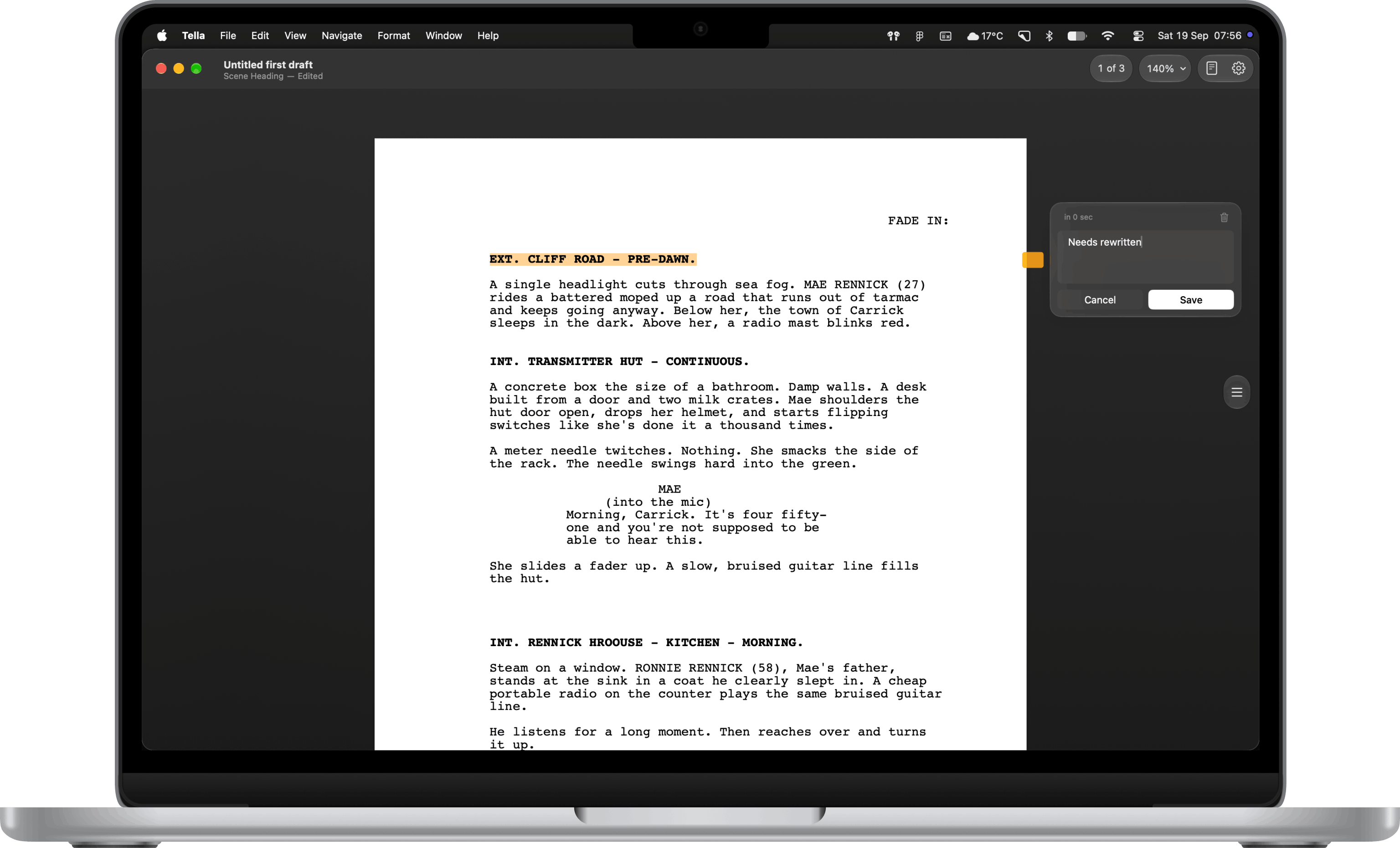
Notes that hold their place. Leave a comment on any line. Rewrite around it and the note stays put.
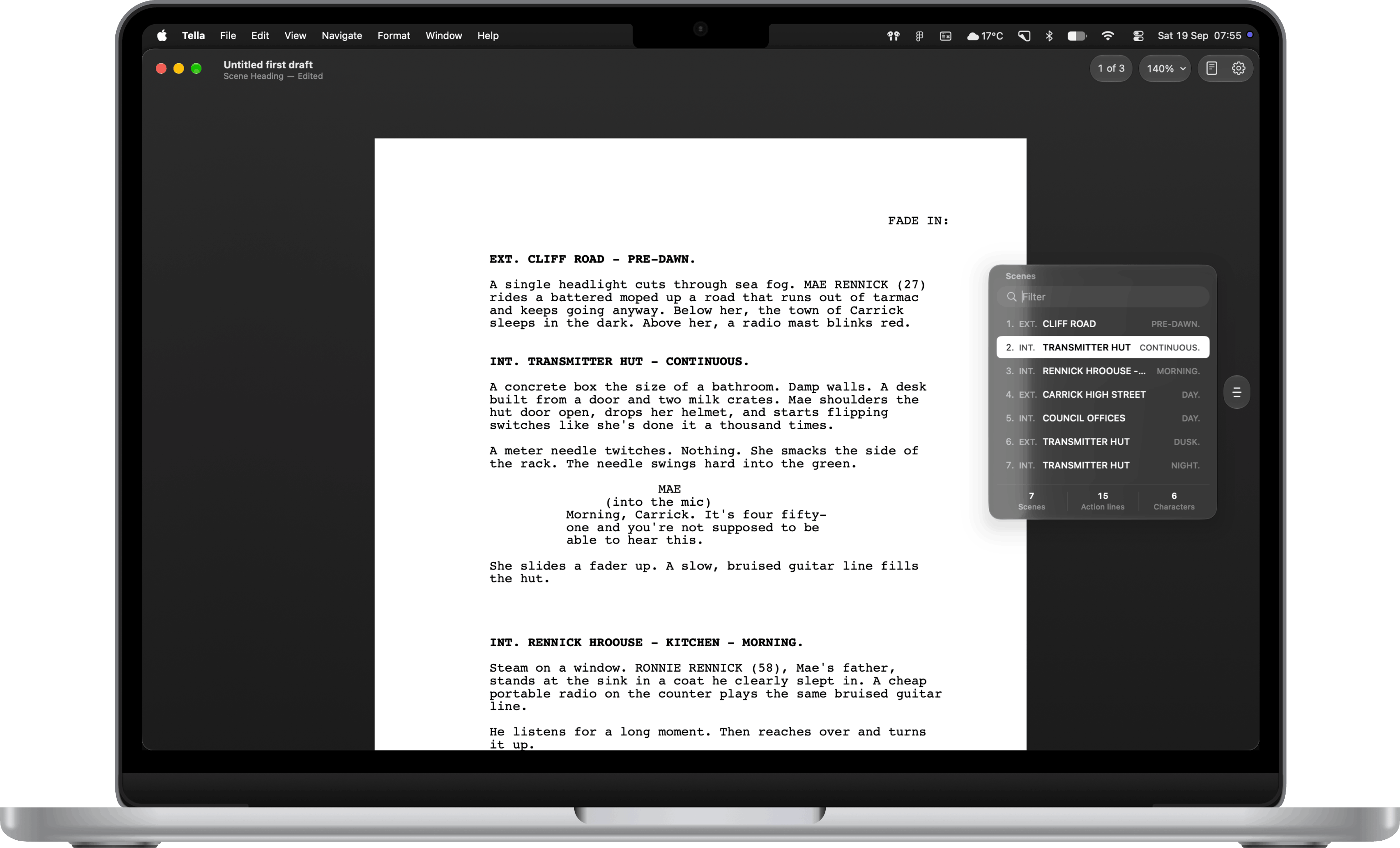
Every scene, one glance away. Your outline sits along the right edge. Jump to any heading, or straight to any page.
Bring your Final Draft scripts. Open an .fdx and Tella makes it a project of its own. Your original stays untouched.
Exactly what you wrote. PDF export runs on the same engine that draws the screen. Page for page, identical.
More flow. Less friction.
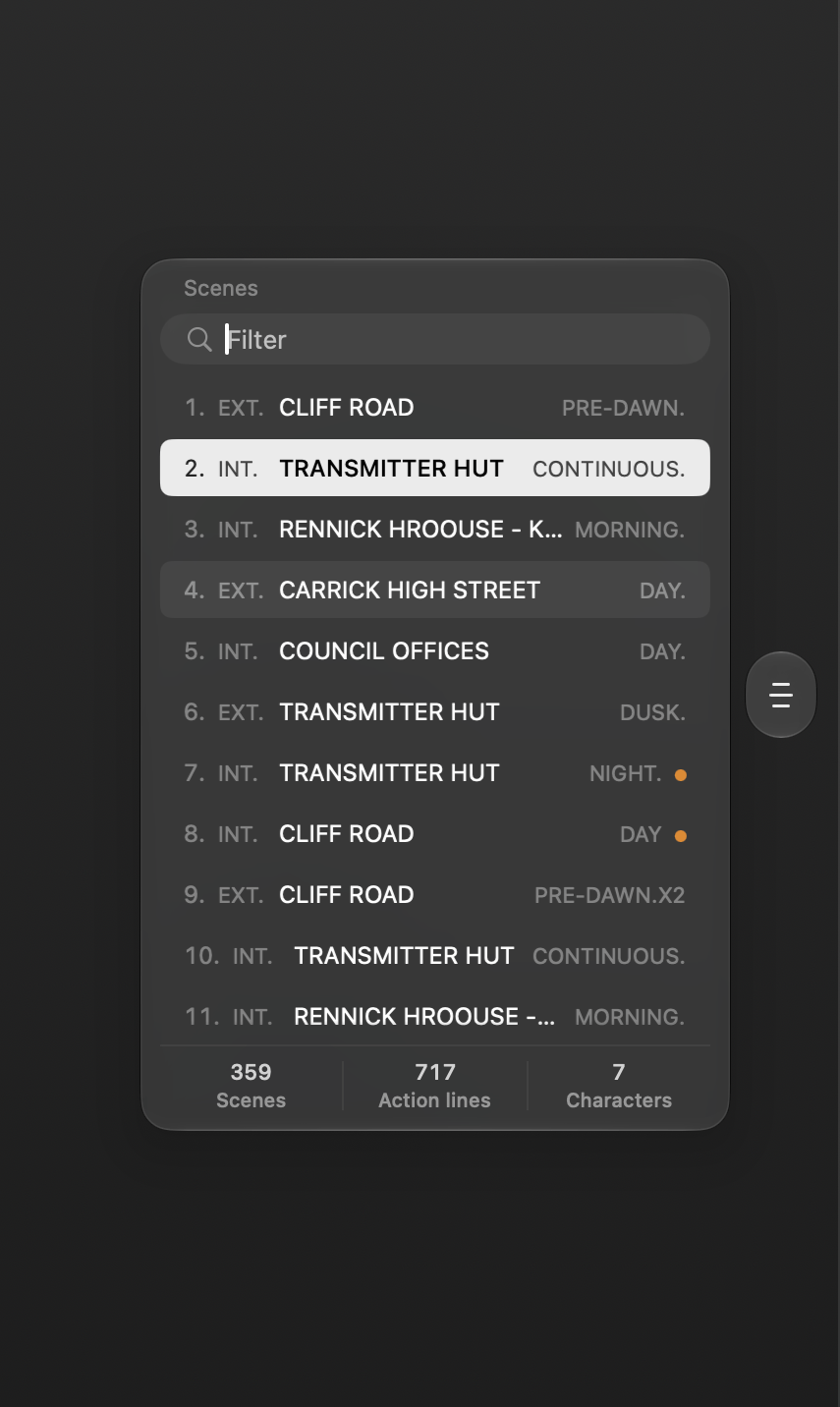
Scene Navigator. Filter every scene and jump straight to the moment you need.
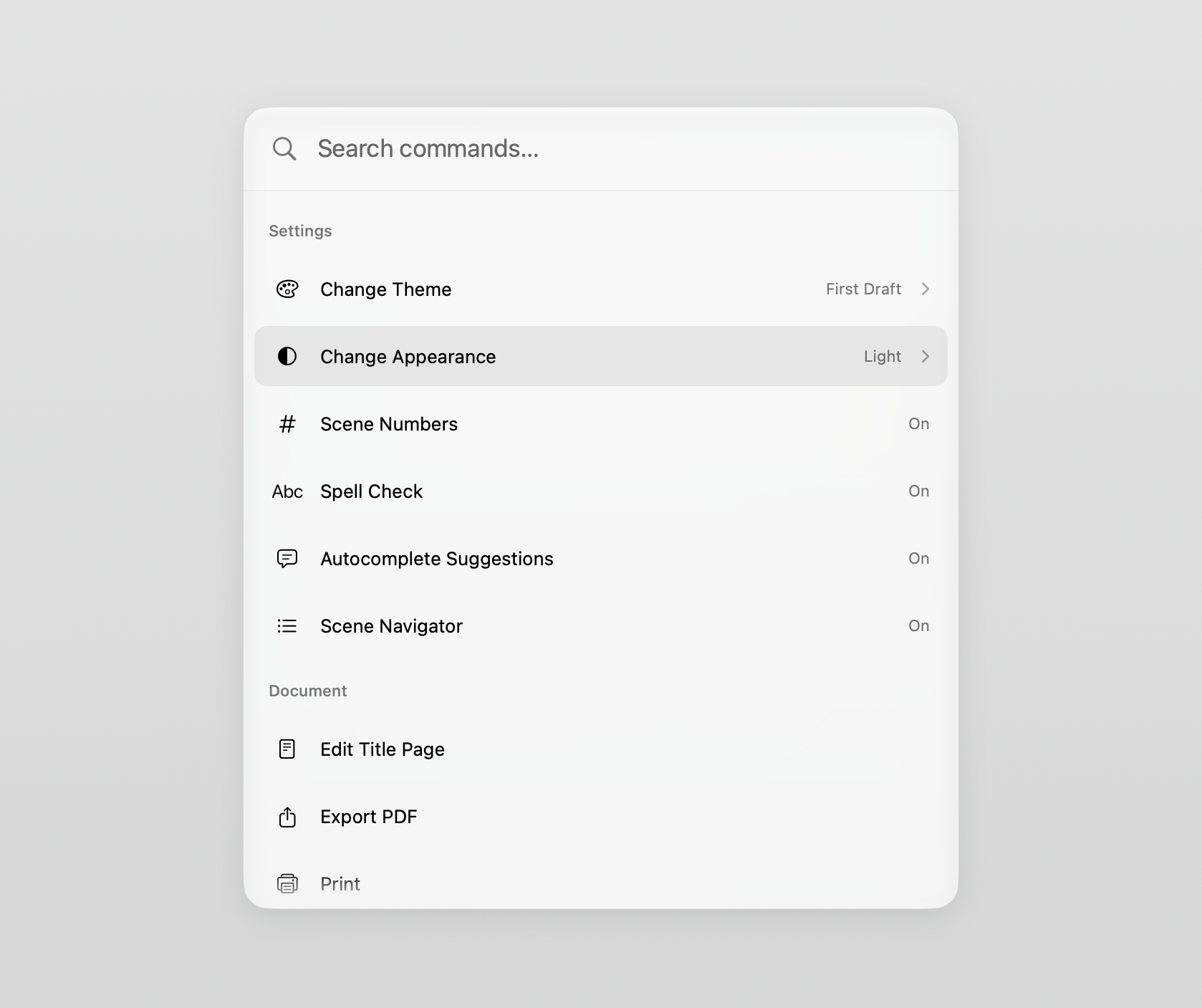
Command Palette. Press ⌘K for settings, export, print, search, and review comments, all without leaving the keyboard.

Wherever the story finds you. Bed, train, cabin. Just open and write. Quiet, steady, ready when you are.
Questions, answered.
Because screenwriters and playwrights have spent too long adapting their work to legacy tools, paying again for upgrades, and working around software that gets in the way. Tella is a native Mac editor built for one purpose: making writing feel fast, simple, and dependable. No unnecessary complexity. Just a tool that opens quickly, stays out of the way, and helps you get from the first page to the last.